01A browser agent, on your terms
Helpful, never on autopilot.
On desktop, Lumari’s agent works in visible tabs. Pause it, stop it, take over, or approve an action. When a page needs a sign-in, you enter your credentials yourself.
 lumari
Meet Lumari
A thoughtful space for the web: page-aware tools, an AI companion you direct, and the freedom to make browsing your own.
Beta for Windows and Android· macOS and iOS planned for 2027
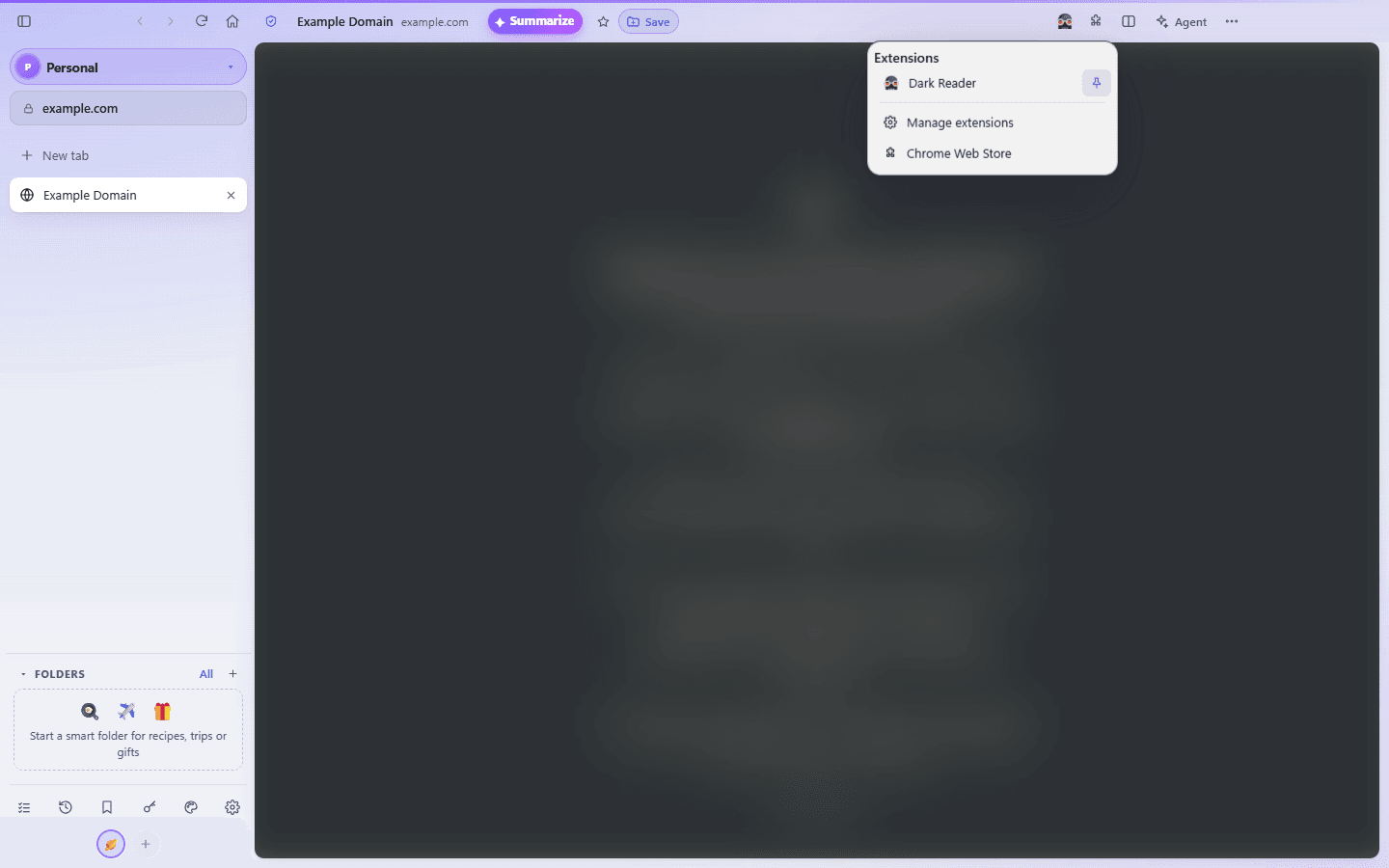
More than a place to open tabs.
Thoughtful by design
Lumari brings useful tools into the browser itself, so you can spend less time juggling and more time on what brought you online.
On desktop, Lumari’s agent works in visible tabs. Pause it, stop it, take over, or approve an action. When a page needs a sign-in, you enter your credentials yourself.
Smart Page recognizes page types without AI and brings forward focused tools: recipe scaling and cook mode, event actions, product comparisons, summaries, and Reader view.
Product price history is captured when you visit or reload a product page—not through background monitoring.
Bookmarks, history, and settings stay on your device. AI requests and, depending on the feature, page content may be sent to the provider you choose. You decide when to use AI.
A little more understanding
Download a language model and translate supported main-page text on your device in English, German, Spanish, French, Portuguese, or Russian.
6 languagesFind your flow
The tools adapt to how you browse, with more taking shape over time.
On Windows, keep projects organized with spaces and folders, explore in split view, and work with a visible browser agent you can interrupt at any time.
Windows betaOn Android, use touch-friendly tabs and groups, manage downloads, add widgets, and ask read-only questions about the page you’re viewing.
Android betaFeature availability differs by platform. macOS and iOS are planned for 2027.
Come explore
Lumari is in beta for Windows and Android. Try it, see what feels right, and help shape what comes next.
We’ll suggest a platform based on your device. You can change it.
Beta software may contain bugs. Back up important data before testing.